 LIVE
LIVE Dublin
ElectricPedal


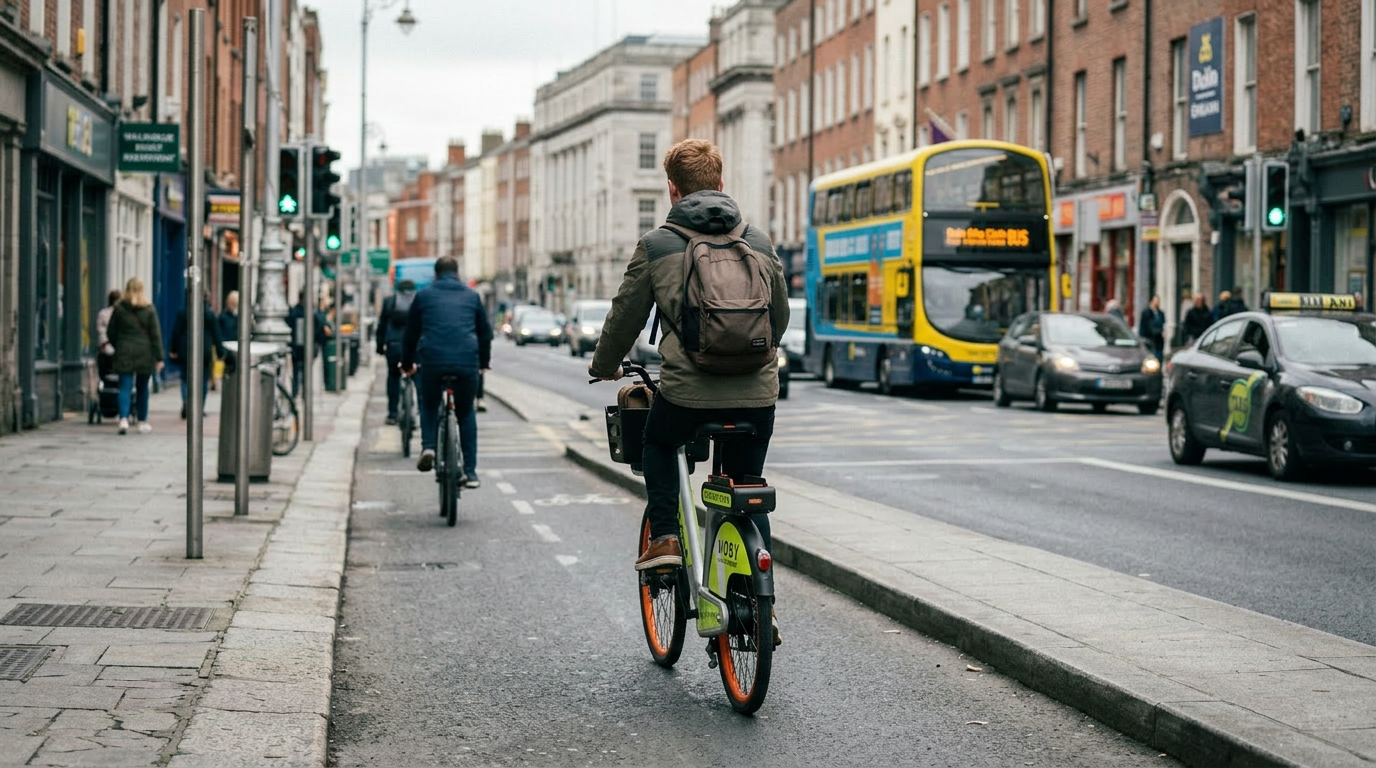
Electric bikes and pedal bikes for everyday city trips. Find a bike in the MOBY Move app, unlock it in seconds, ride where you need to go, and park correctly at a public bike stand when you're done.
Four small steps in the MOBY Move app — takes about a minute.
Create your account and allow location so the app can find bikes near you.
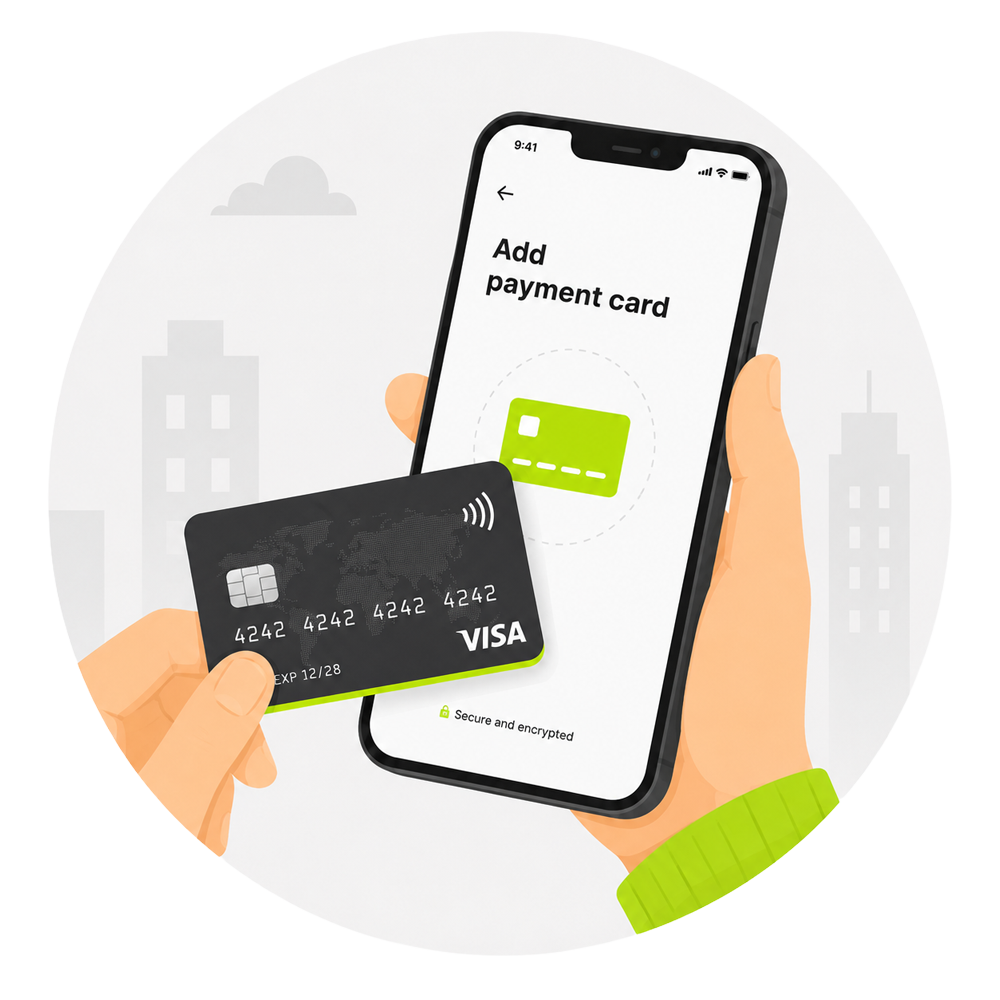
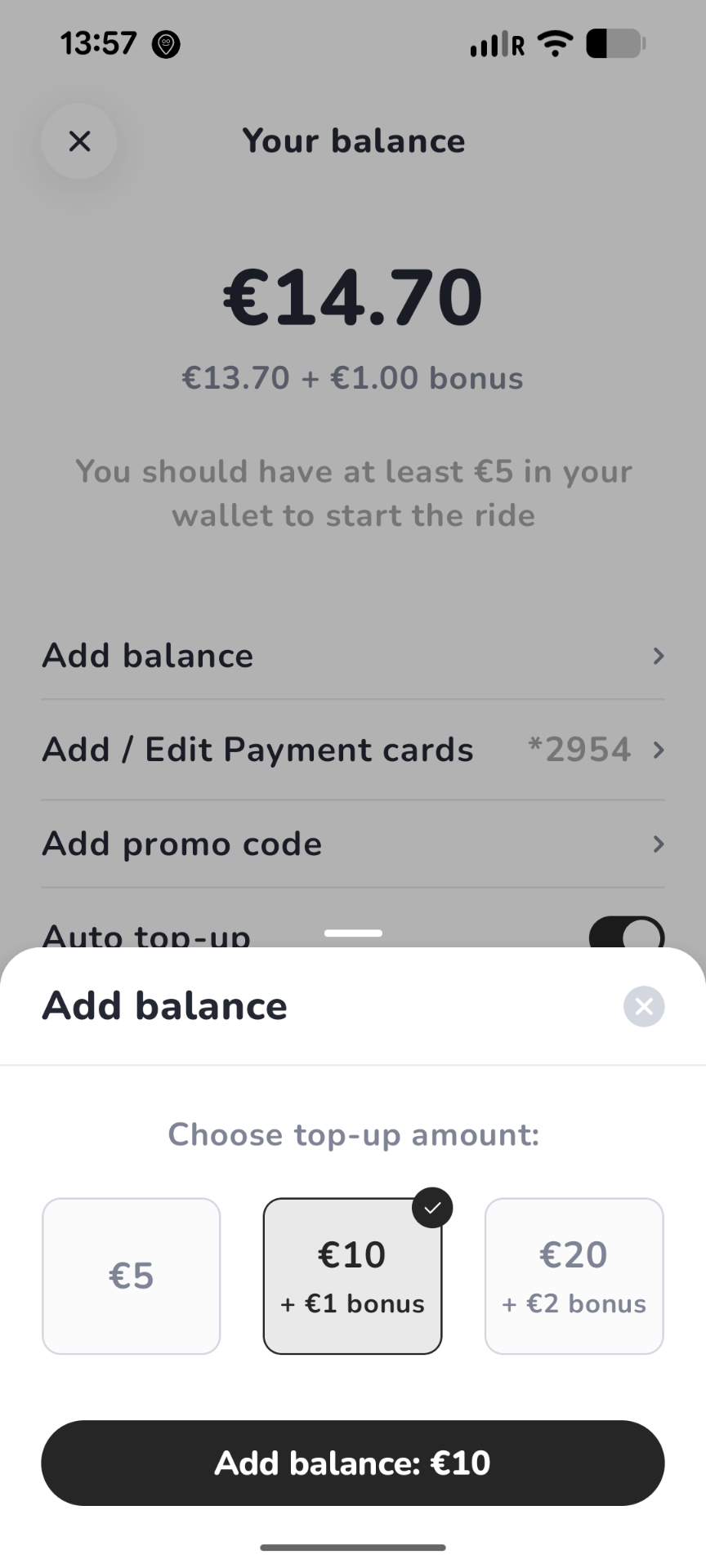
Use debit or credit card, Apple Pay or Google Pay — stored securely in the app.
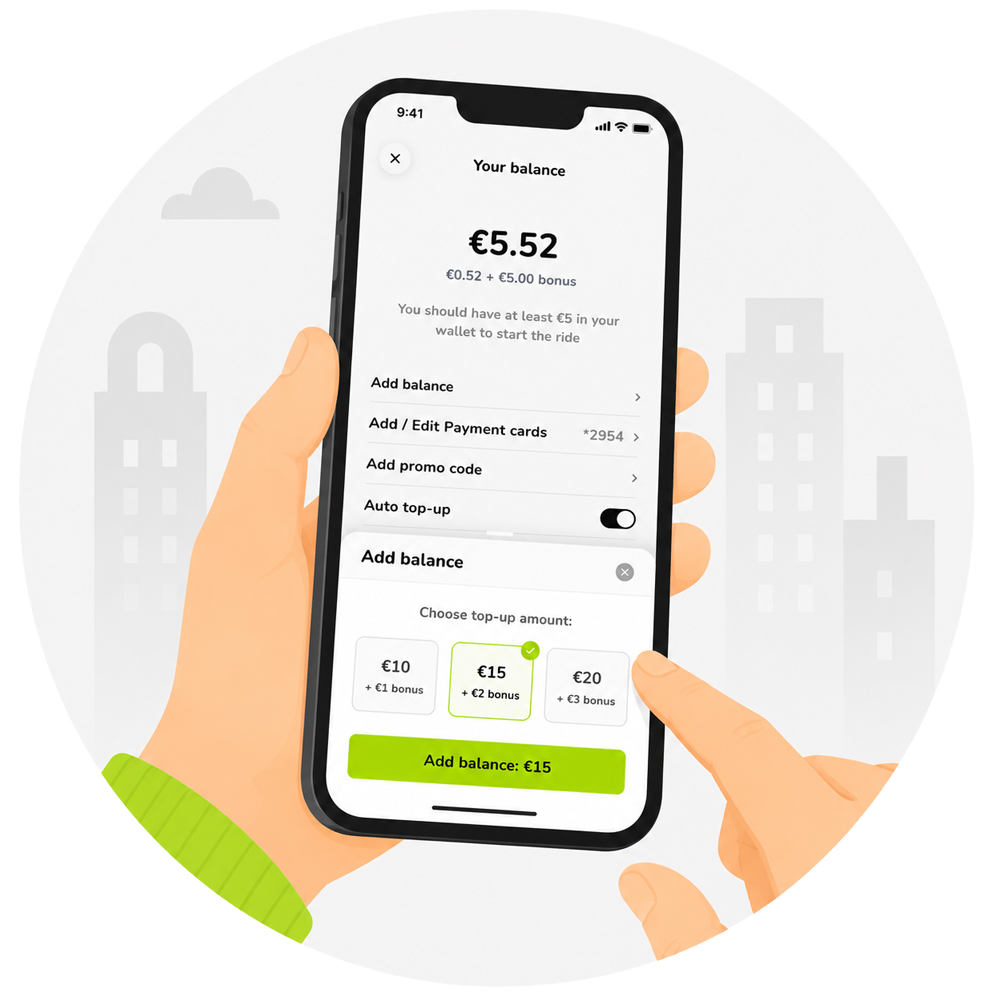
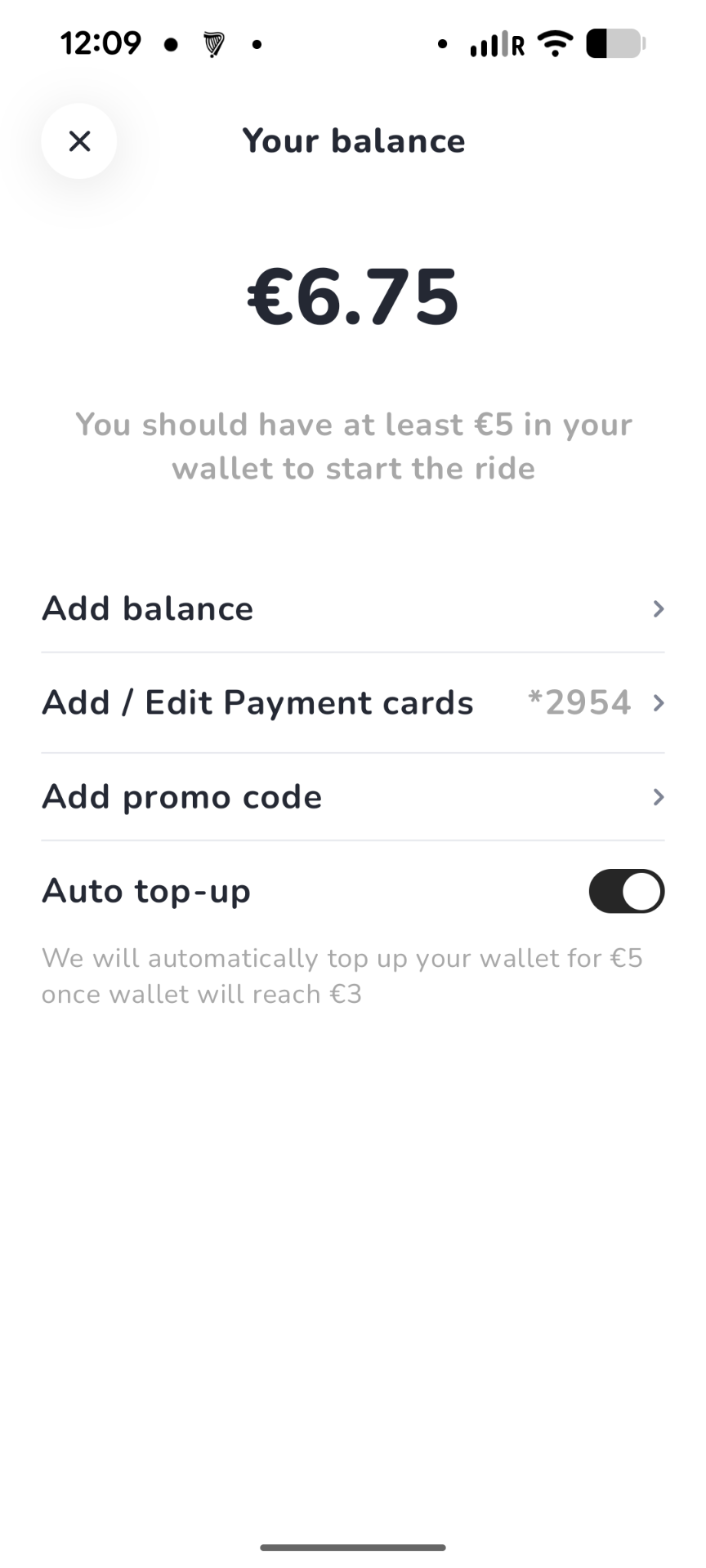
You need the minimum wallet balance in the app before starting a ride (€5 Dublin).
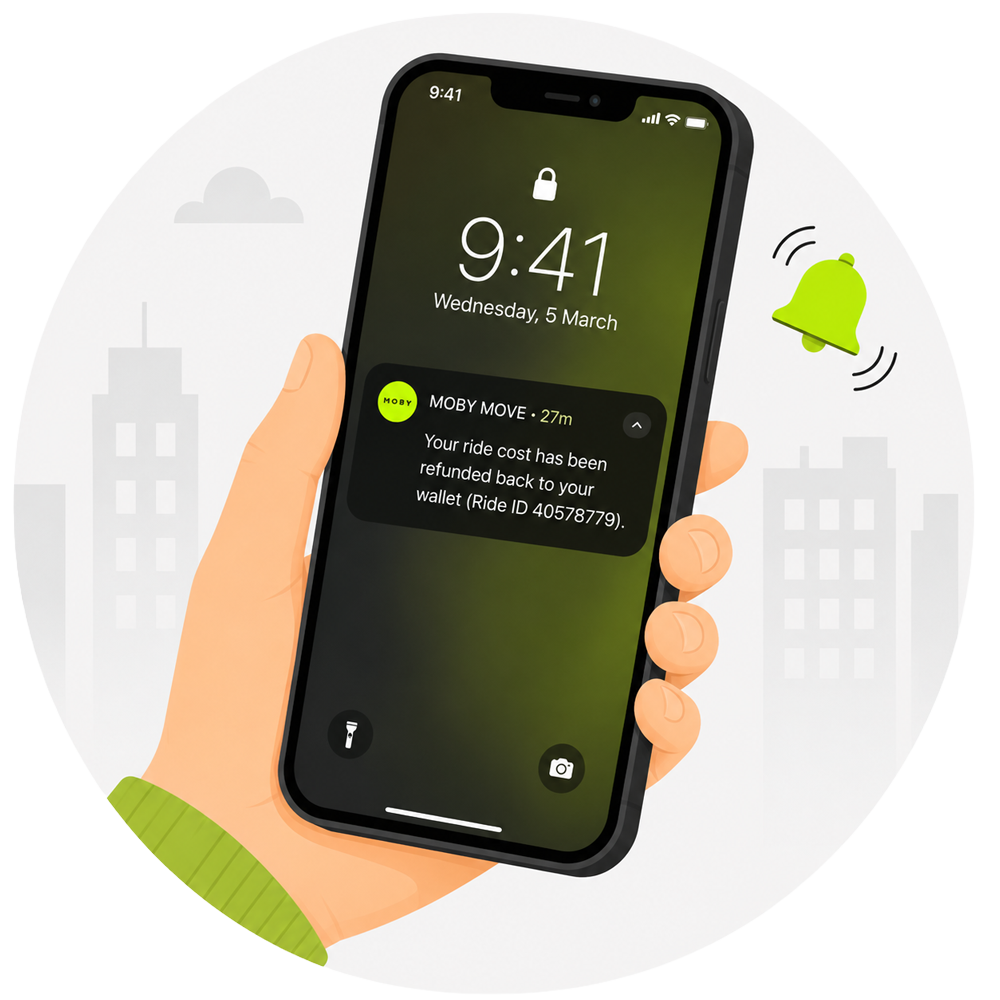
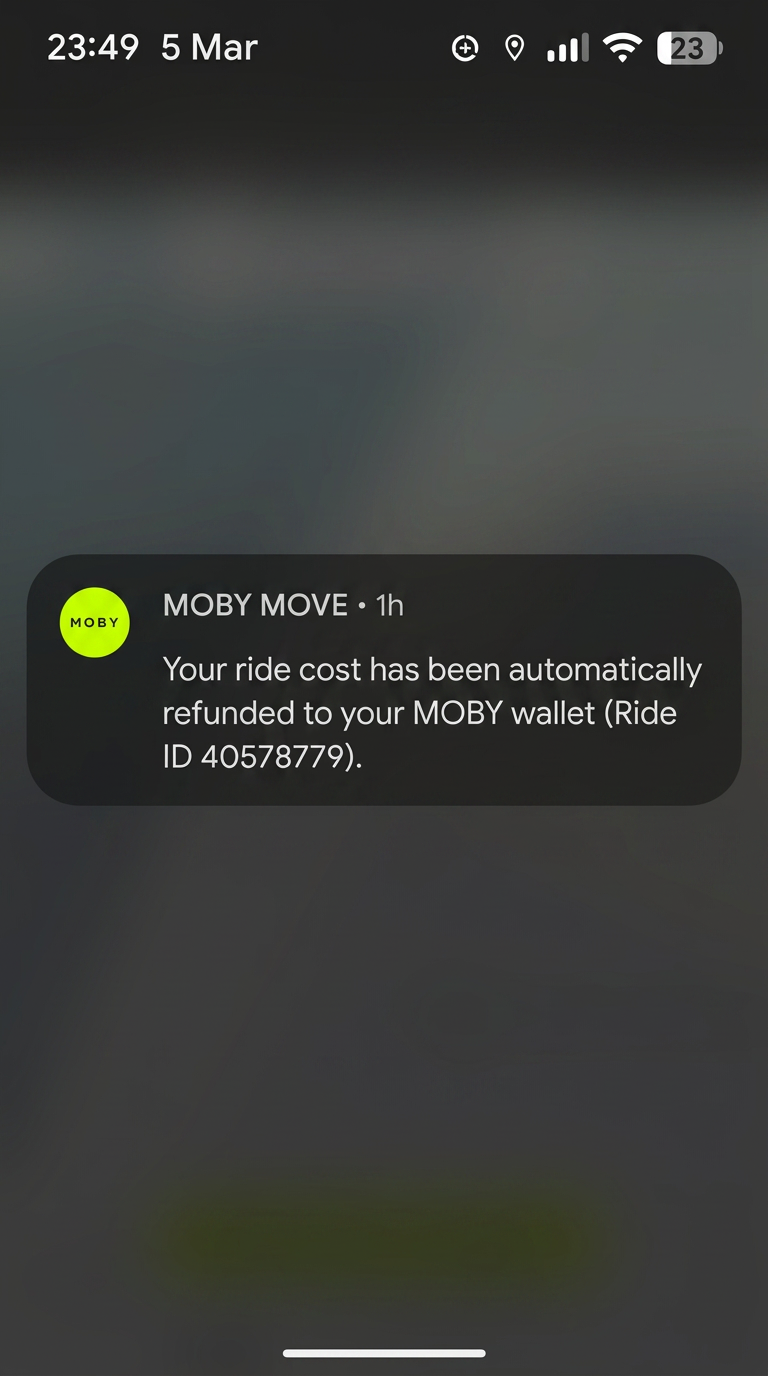
Get battery alerts, refund updates and parking confirmations at end of your ride.
Find a bike. Scan. Ride. Park. Photo to finish.
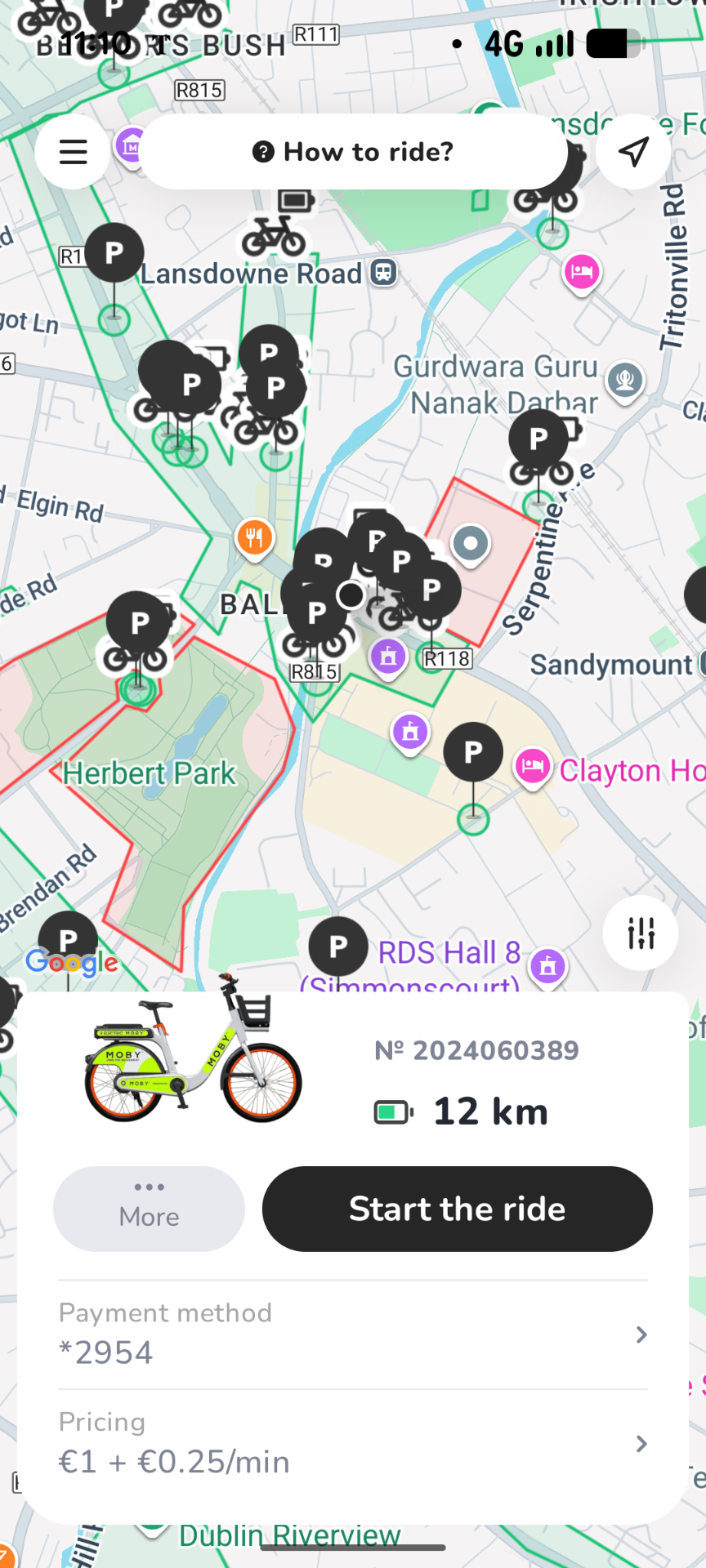
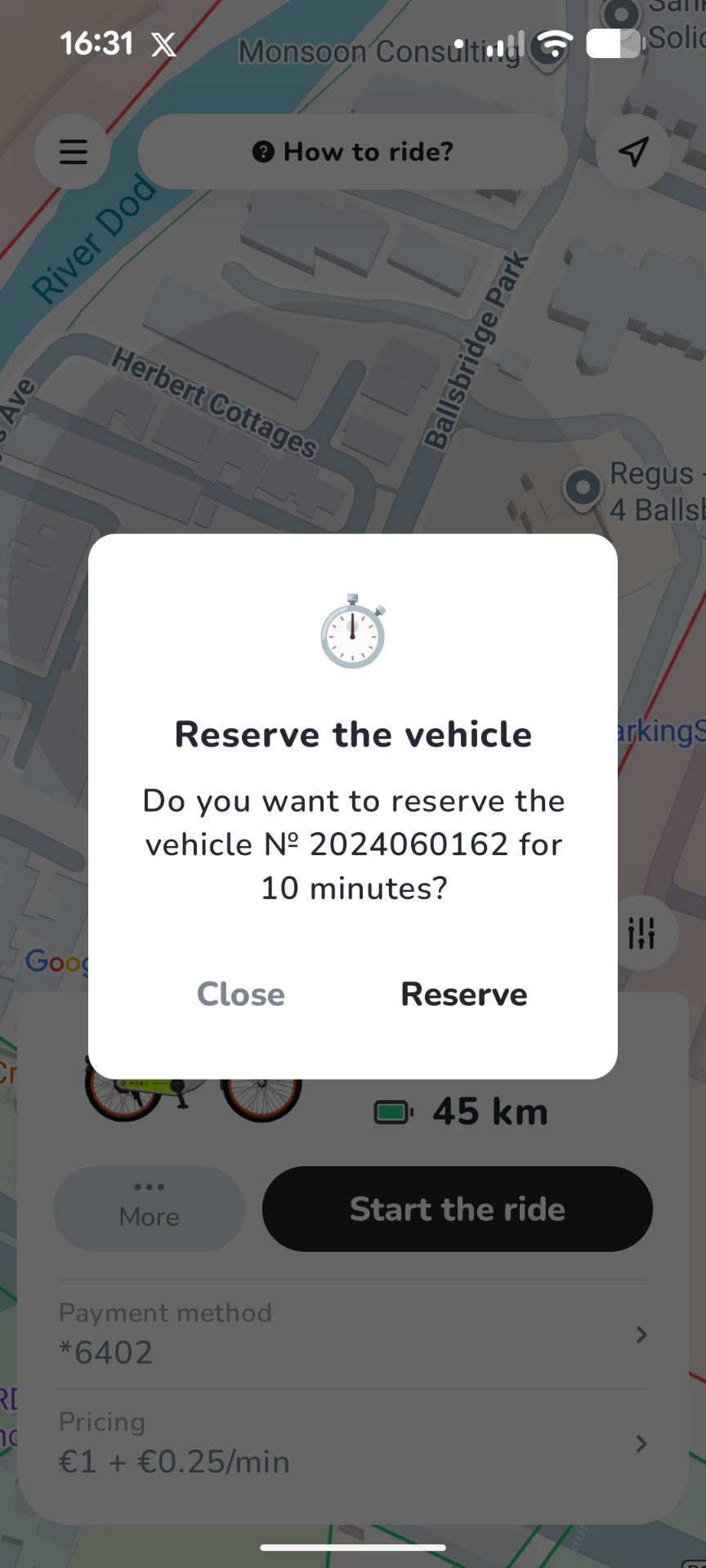
Open the app map to see available bikes nearby. Tap a bike to see details, reserve it, or navigate to it.
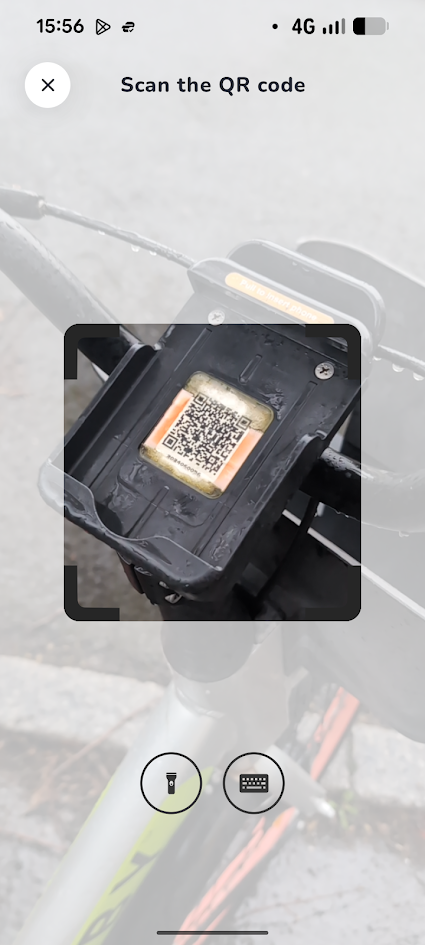
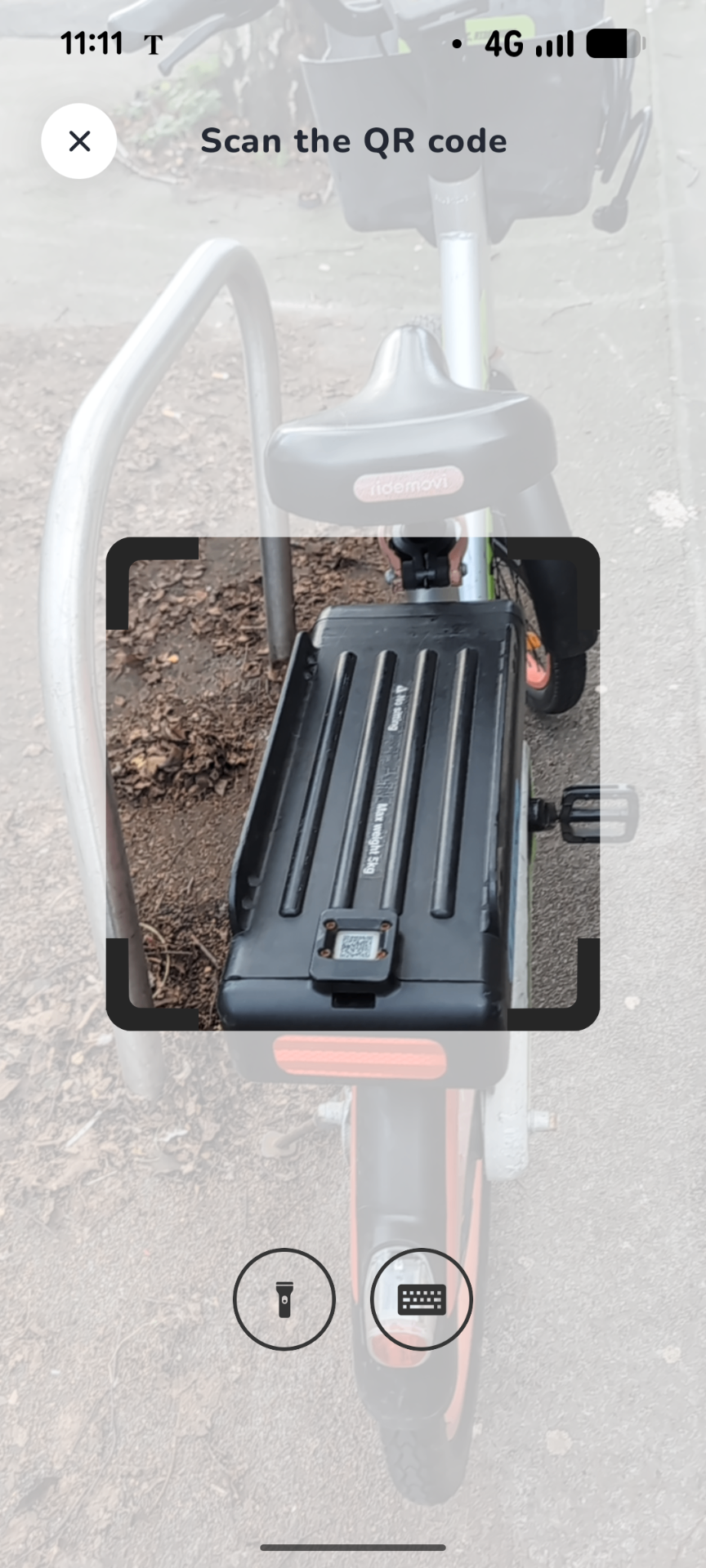
Scan the QR code on the bike. The app shows the lock code and unlock instructions.
Adjust the saddle, check brakes and tyres, then start pedalling. Electric assist takes the edge off Dublin hills.
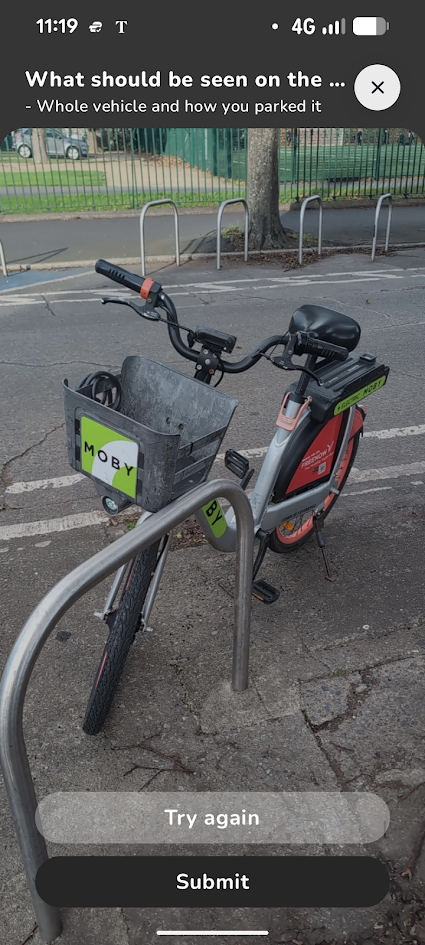
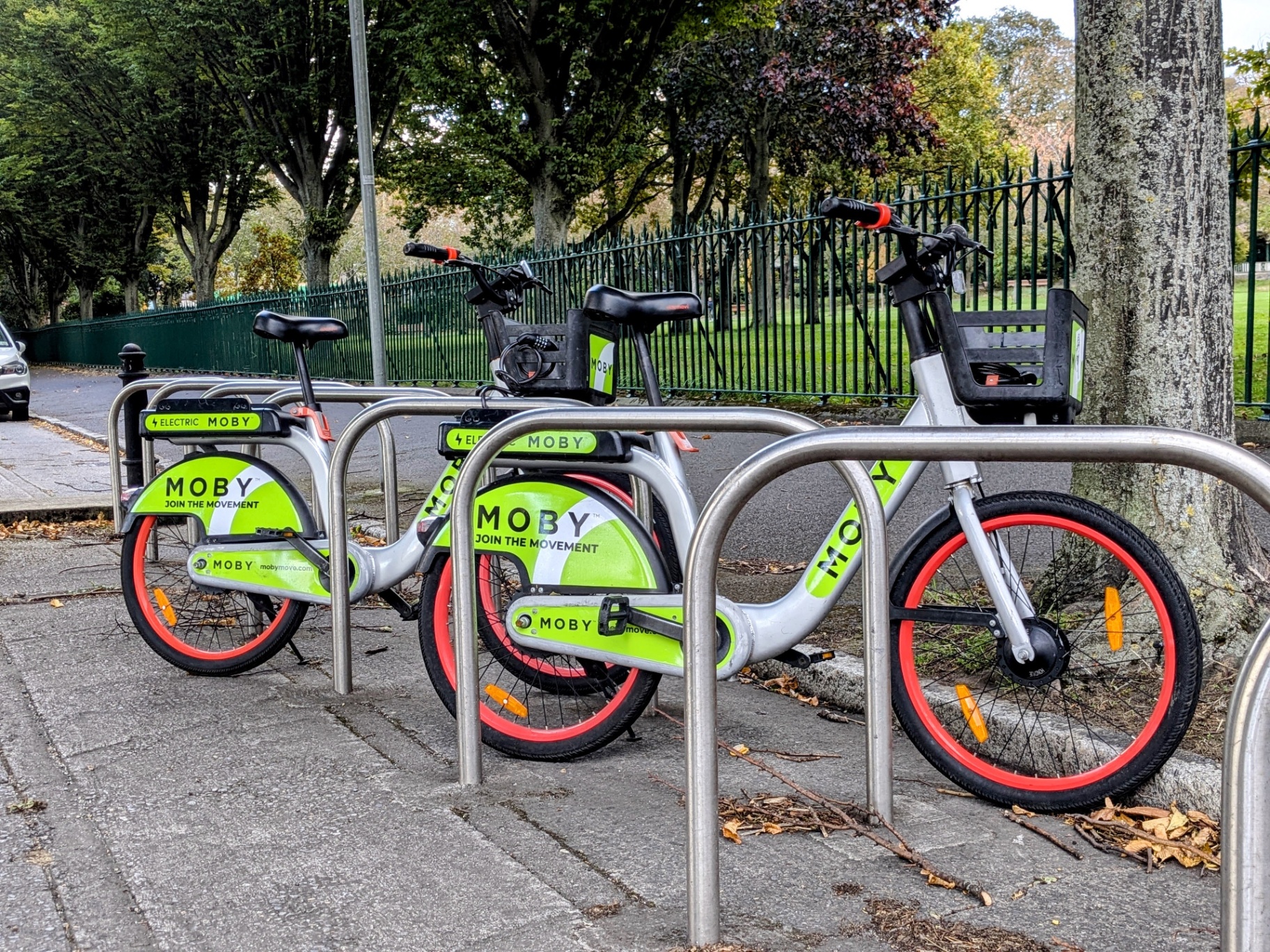
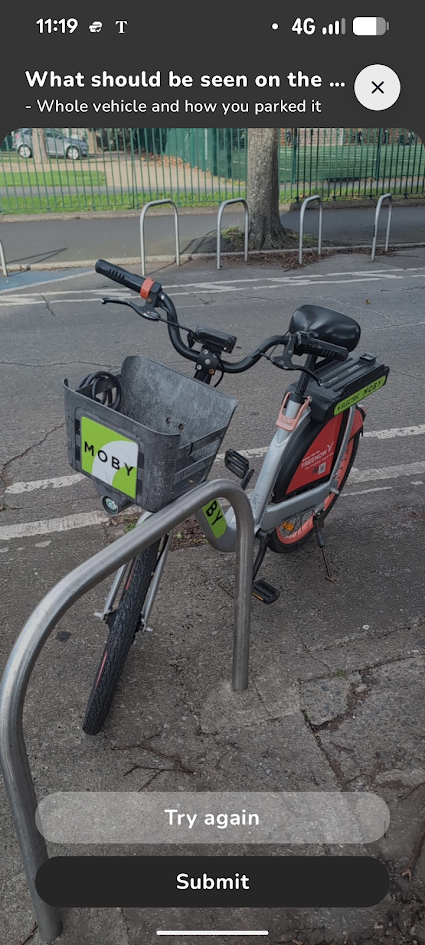
Park at a public bike stand inside a green zone, lock or tether the bike, using the combination lock.
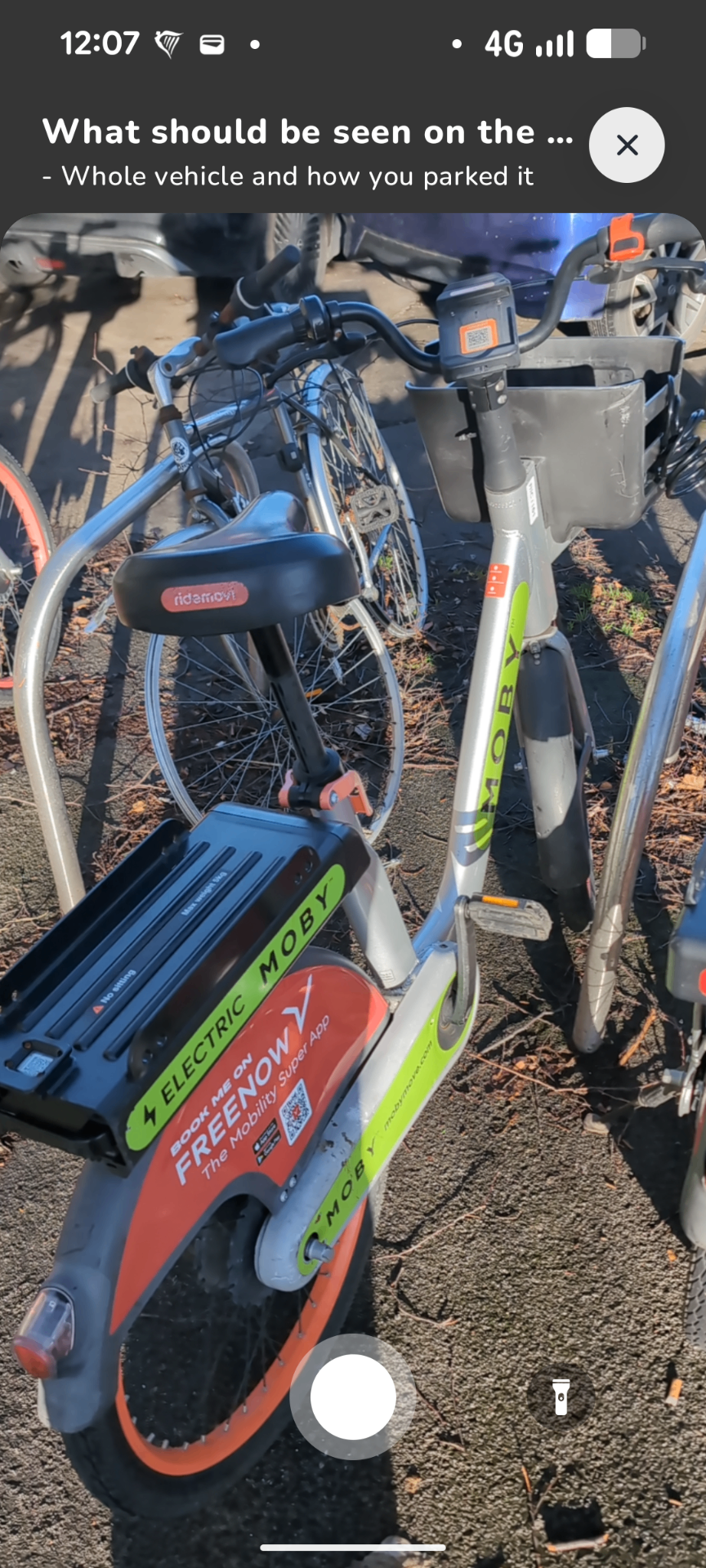
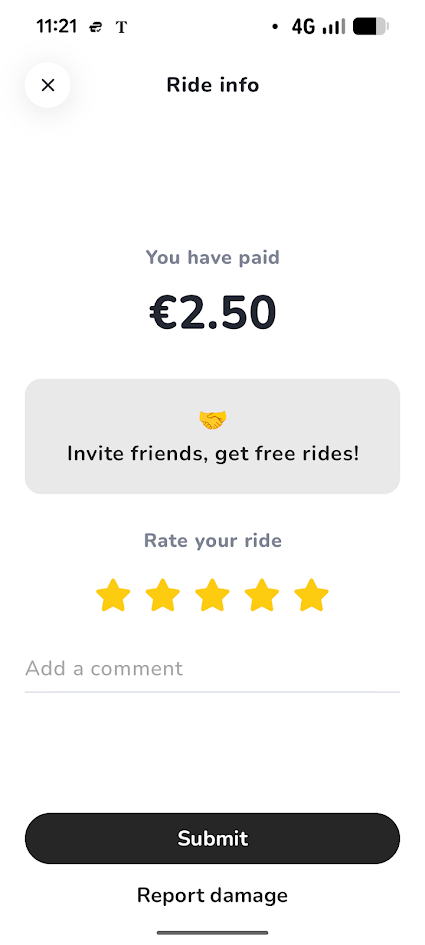
Submit a clear photo showing the bike, stand and lock. Wait for the app to confirm your ride has ended before walking away.
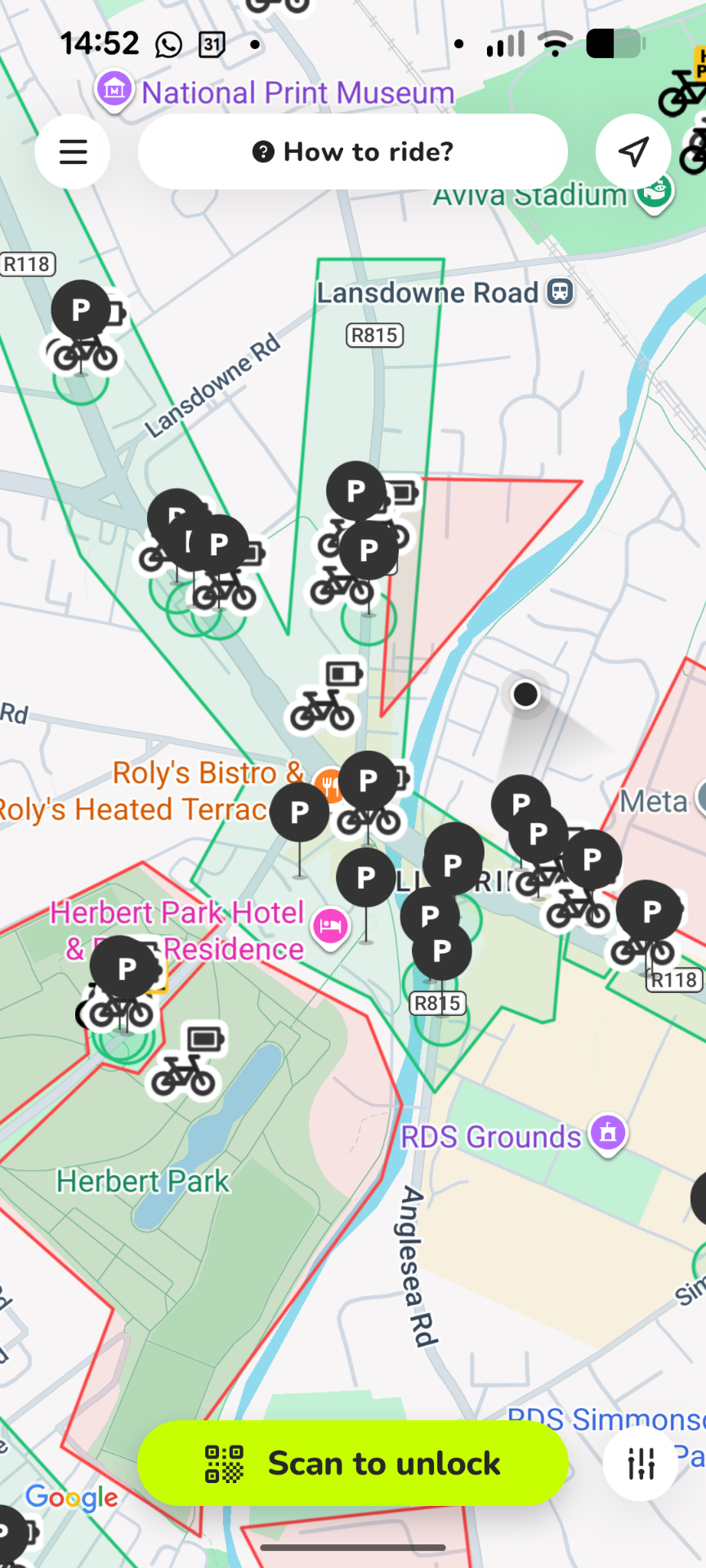
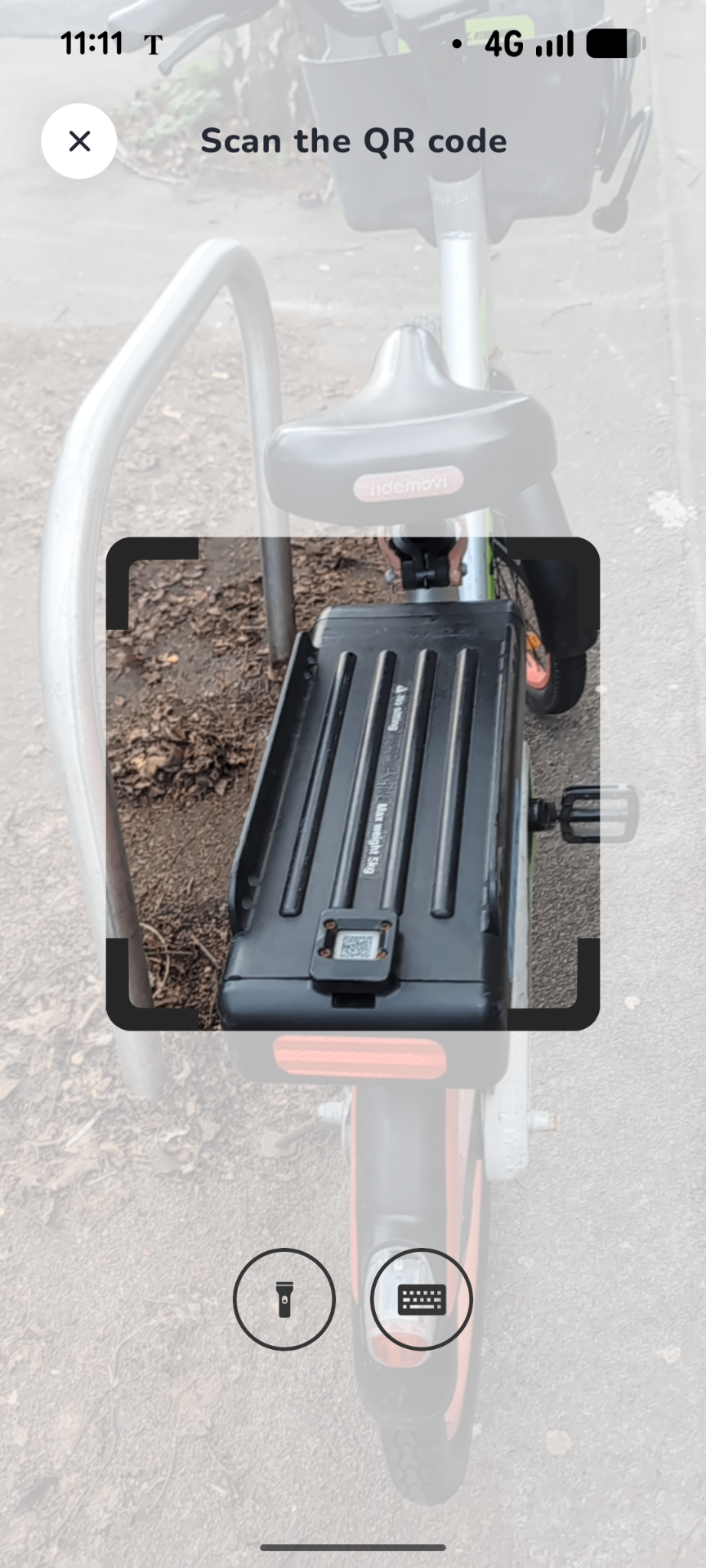
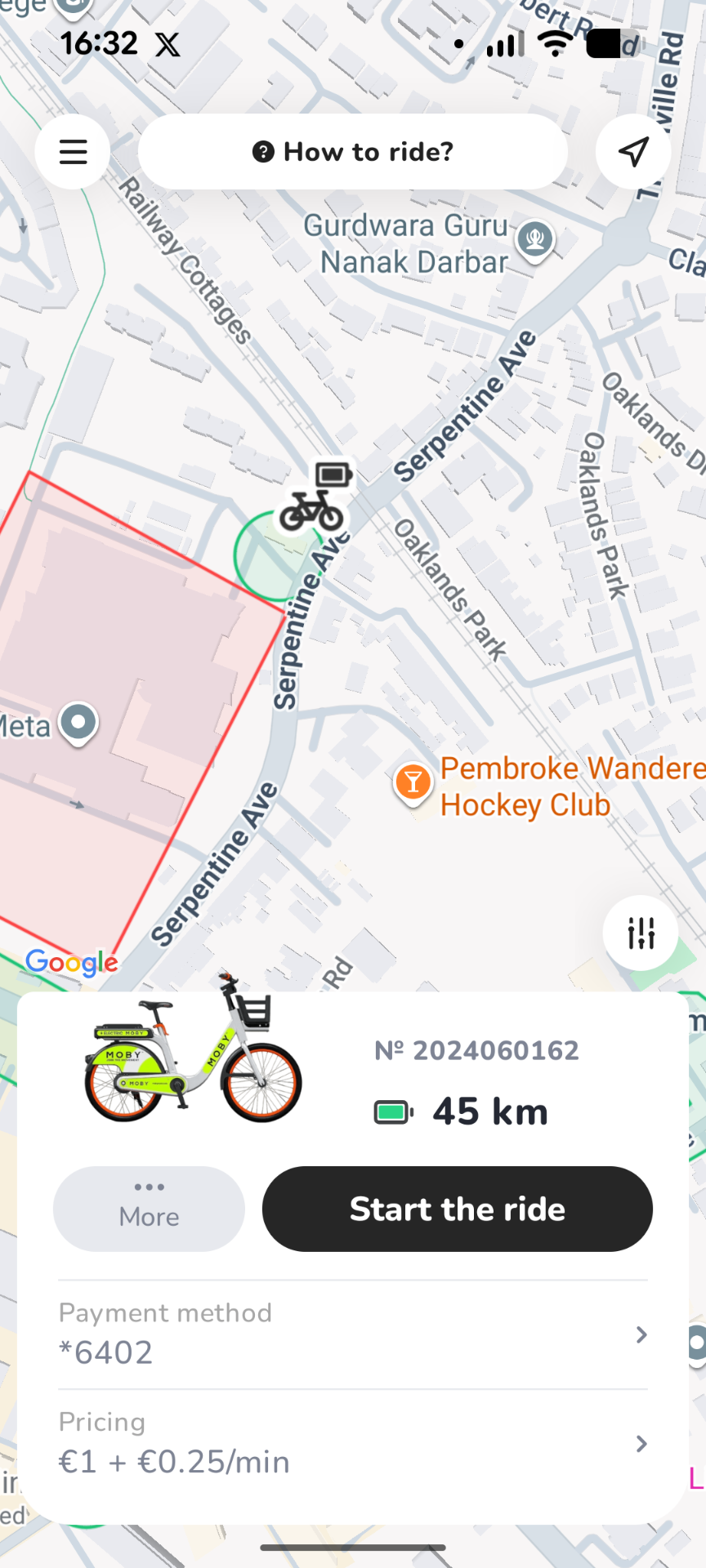
One app, from finding a bike to confirming your parking. Built for how Dublin actually moves.
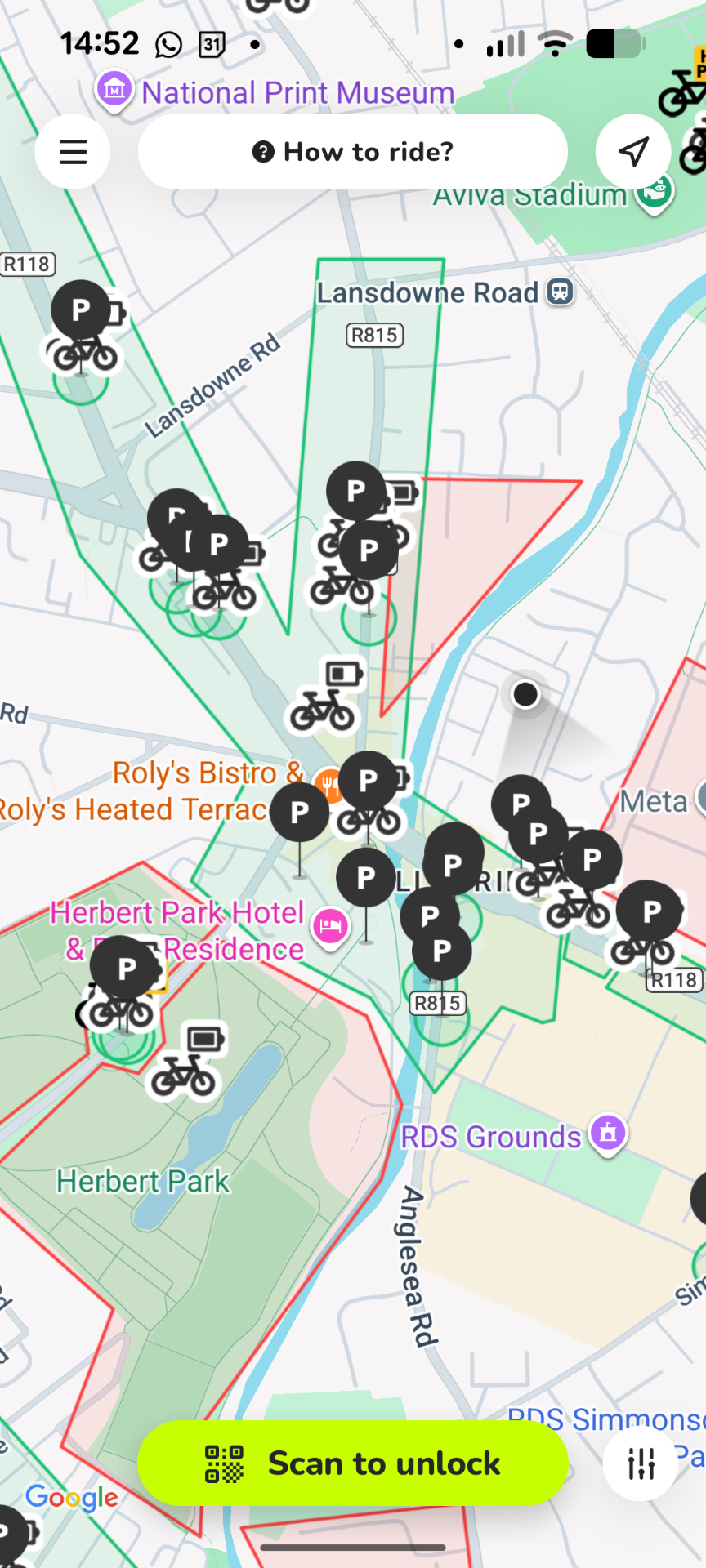
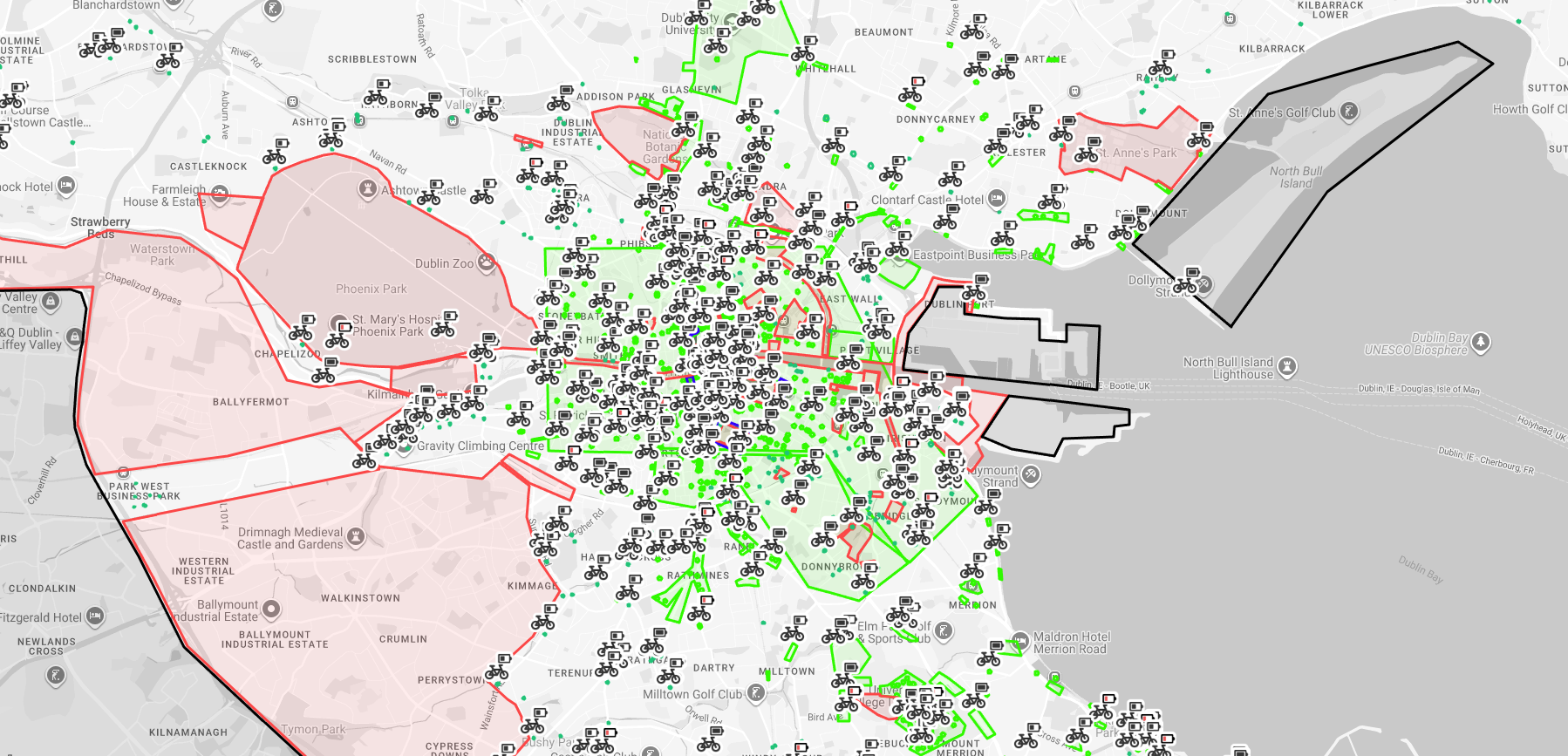
Bike, parking stands, zones
The MOBY Move app shows service areas, parking and restricted zones in colour. Always check your destination before starting your trip.
Ride area — you can ride here, but you cannot end your trip here. Dont go too far from city.
Parking zone. You can end your ride here only at a public bike stand shown in the app.
No parking. Ride through, but you cannot end your ride here. Don't pause if your battery is low (Phoenix Park)
Discount parking or incentives may apply for ending here.
Do not enter. The bike will lock if paused — you'll need to contact support or pay a fine to recover it. (Eastwall, Southwall, Dollymount Strand)
Always check your destination in the app before starting your trip.
At the end of every ride, return the bike to a public bike stand inside a green parking zone, lock it securely, and submit a clear photo in the app. Your ride is only finished when the app confirms it.
Once you submit a clear parking photo, the app confirms your ride is complete. Wait for that confirmation before walking away.
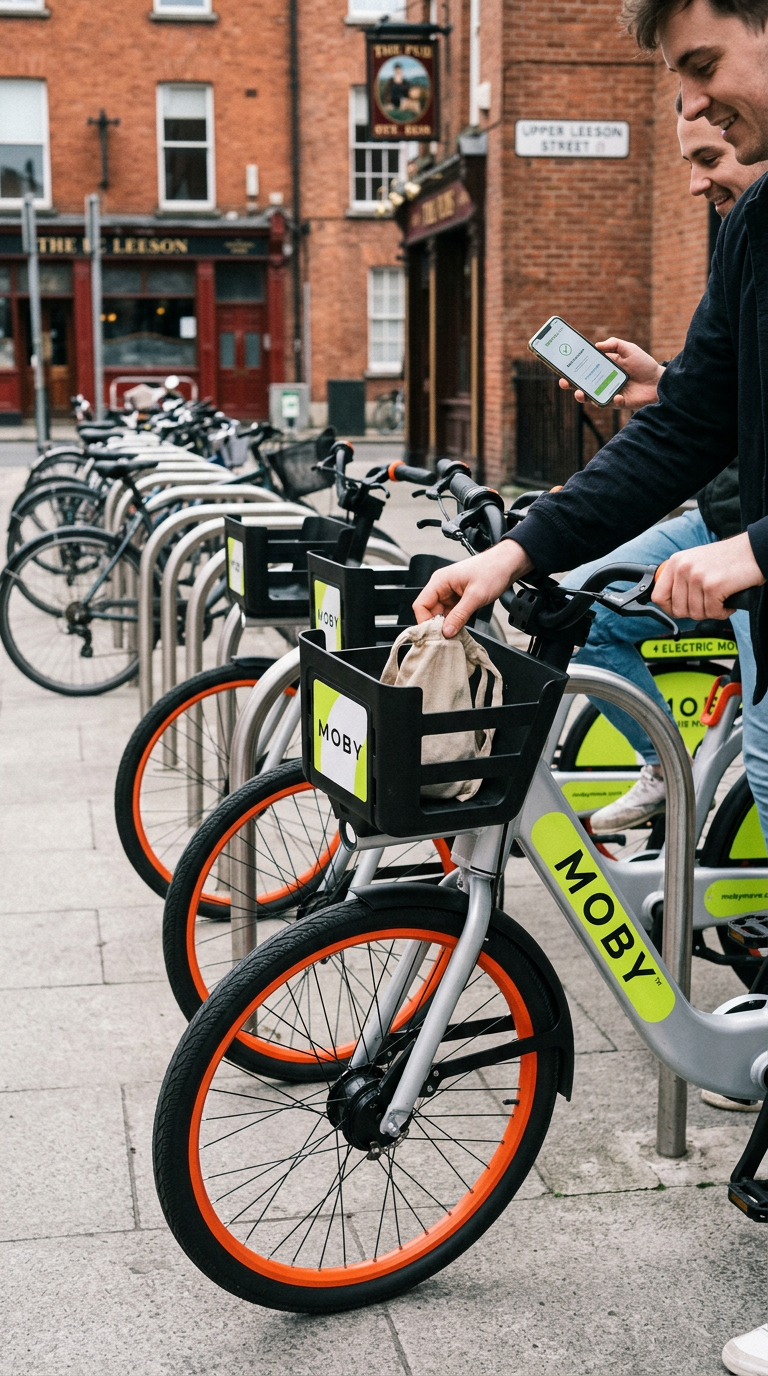 DO
DO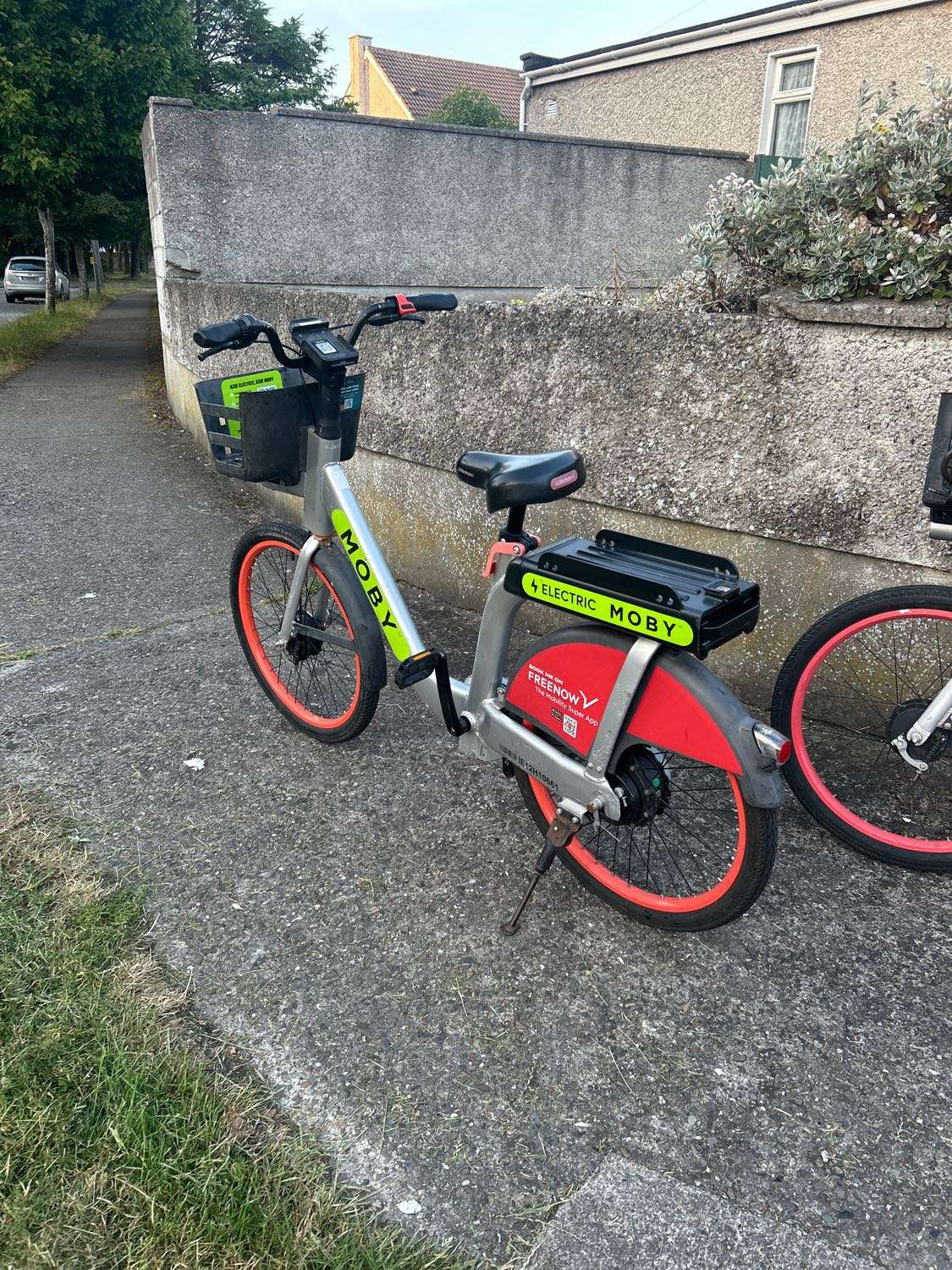 DON'T
DON'TParking enforcement charge
Applied for incorrect parking, unclear photos or parking away from a public bike stand.
Serious violation charge
Serious or repeated violations may also lead to account restrictions or suspension.
A smoother MOBY ride usually comes down to a few small things: choosing the right bike, checking the app map, parking properly and giving the app a moment to confirm each step. Here are Joe's top tips for riding without issues in Dublin.

MOBY notifications are useful for ride confirmations, refunds, service updates and important account messages. We do not use them to spam you.
Before setting off, check that there is a valid P parking location near your destination. Parking rules and locations can change, so always use the live app map.
For longer journeys, choose a bike with more than 25km range. Low battery can affect whether a bike can continue, pause or unpause safely.
Check the brakes, tyres, saddle height and general condition before setting off properly. If something feels wrong, end the ride, report the issue in the app and choose another bike. Rides under 3 minutes are automatically refunded.
If you are visiting for a few days, a 60 or 150 minute pass is usually better value than pay as you go, with no unlock fees. End your ride for lunch, sightseeing or longer stops, then take a new bike later.
Always check the app map before riding to places like the South Wall, Dollymount Strand or Phoenix Park, these are restricted parking or no-go zones, and low battery can make it harder to continue or unpause safely.
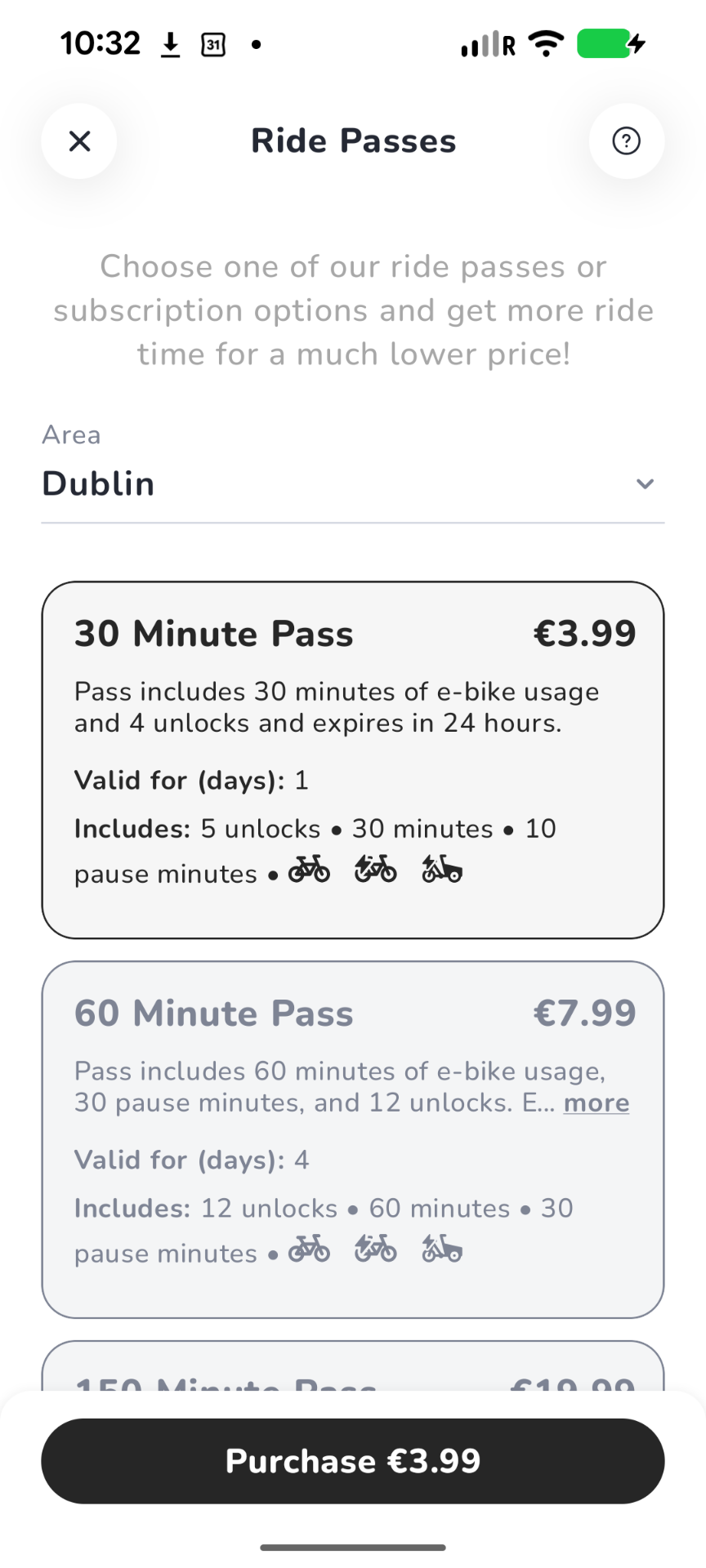
If you ride more than occasionally, passes and subscriptions are usually much better value than pay as you go. You can buy and manage them in the app.
When unlocking, pausing, unpausing or ending a ride, give the app a few seconds to update your GPS and bike status. Do not tap through steps too quickly.
After parking, locking and submitting your photo, wait for the app to confirm your ride has ended. If the ride is still active, you may still be responsible for the bike.
If something goes wrong, report it on the end ride screen, leave a comment. It gives our team the ride details they need to help faster.
Ride more often? Choose a pass or subscription in the app.
Unlock and ride by the minute. Best for first rides and occasional trips.
Set up in the appOne-time bundles of minutes and unlocks — better value than PAYG when you plan ahead.
Set up in the appAuto-renewing subscriptions for regular riders and commuters. Manage anytime in the app.
Set up in the appKeep credit in your MOBY wallet to avoid failed starts and keep rides frictionless.
Set up in the appPick the one that sounds most like you.
Recommended for first time
Start on Pay as you go — no commitment. Add €5 to your wallet, unlock, and ride.
Set it up in the appFinal rates are managed in the MOBY Move app and may vary by region and campaign.
For work, college, short trips, meetings, nights out and the last stretch from bus, rail or Luas. MOBY is there for the journeys that are too far to walk, too short to drive and too unpredictable to wait around.
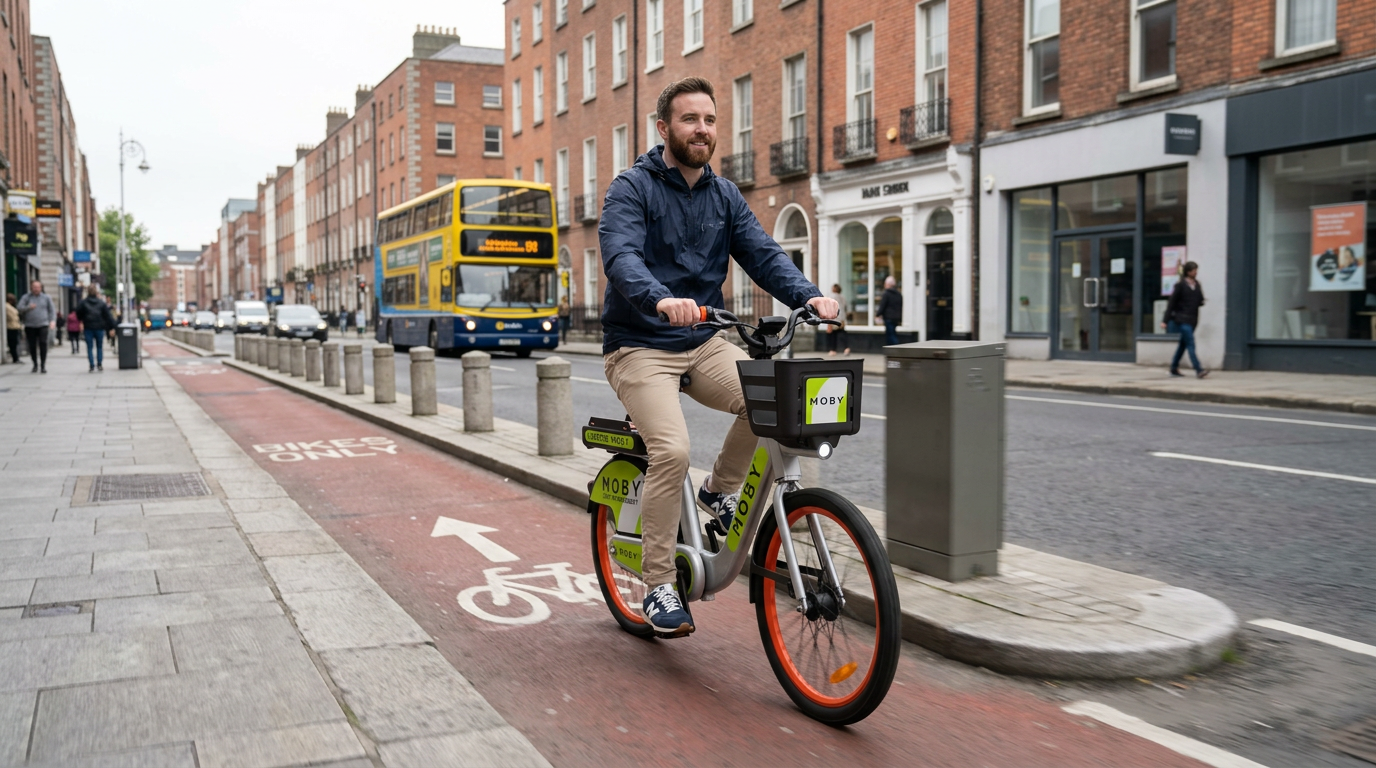
Reliable door-to-office rides across Dublin.
See the saving
Between campus, library, digs and the city centre.
See the student price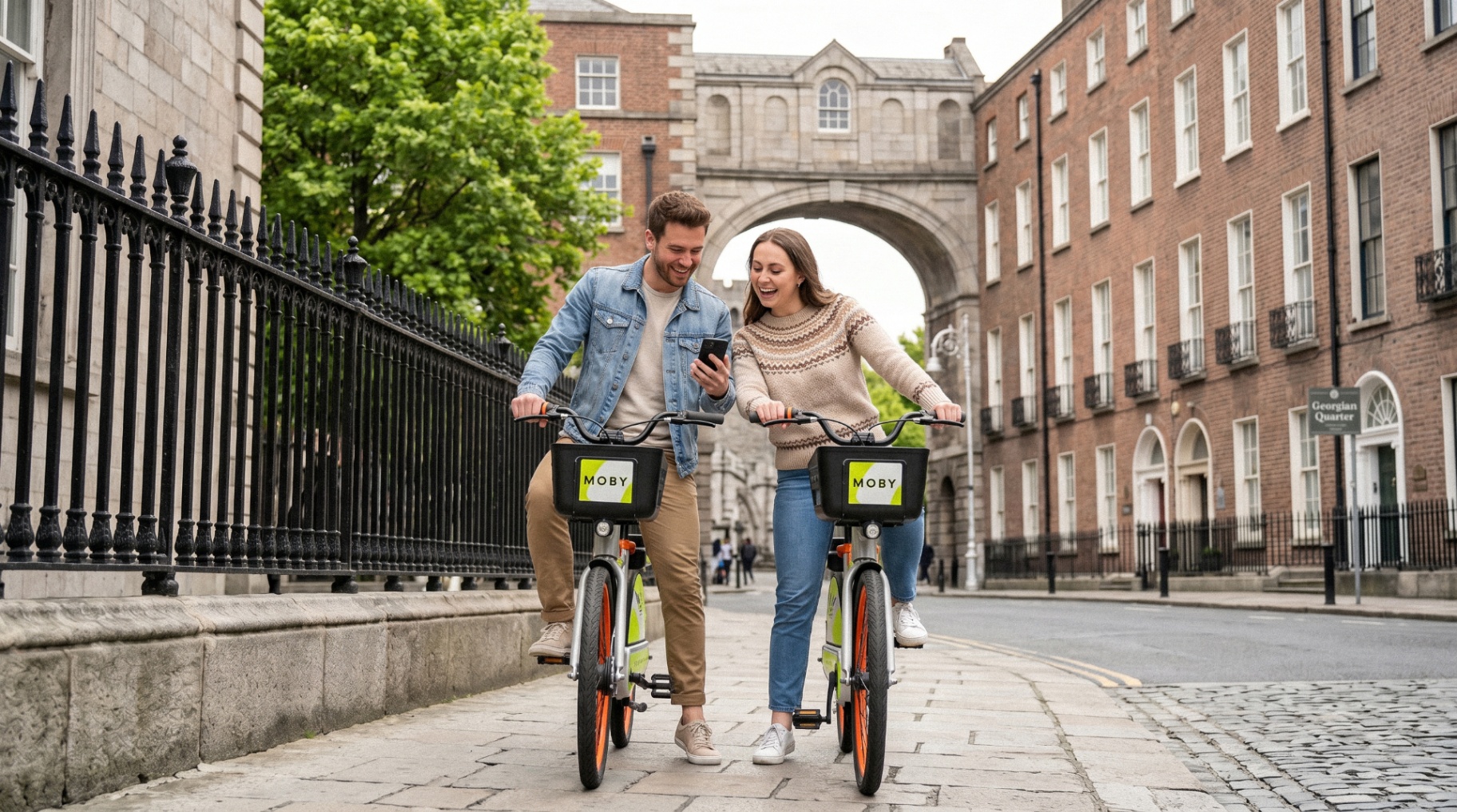
See more of Dublin at street level.
Explore ride passes
North, south and central — without waiting on transfers.
See the network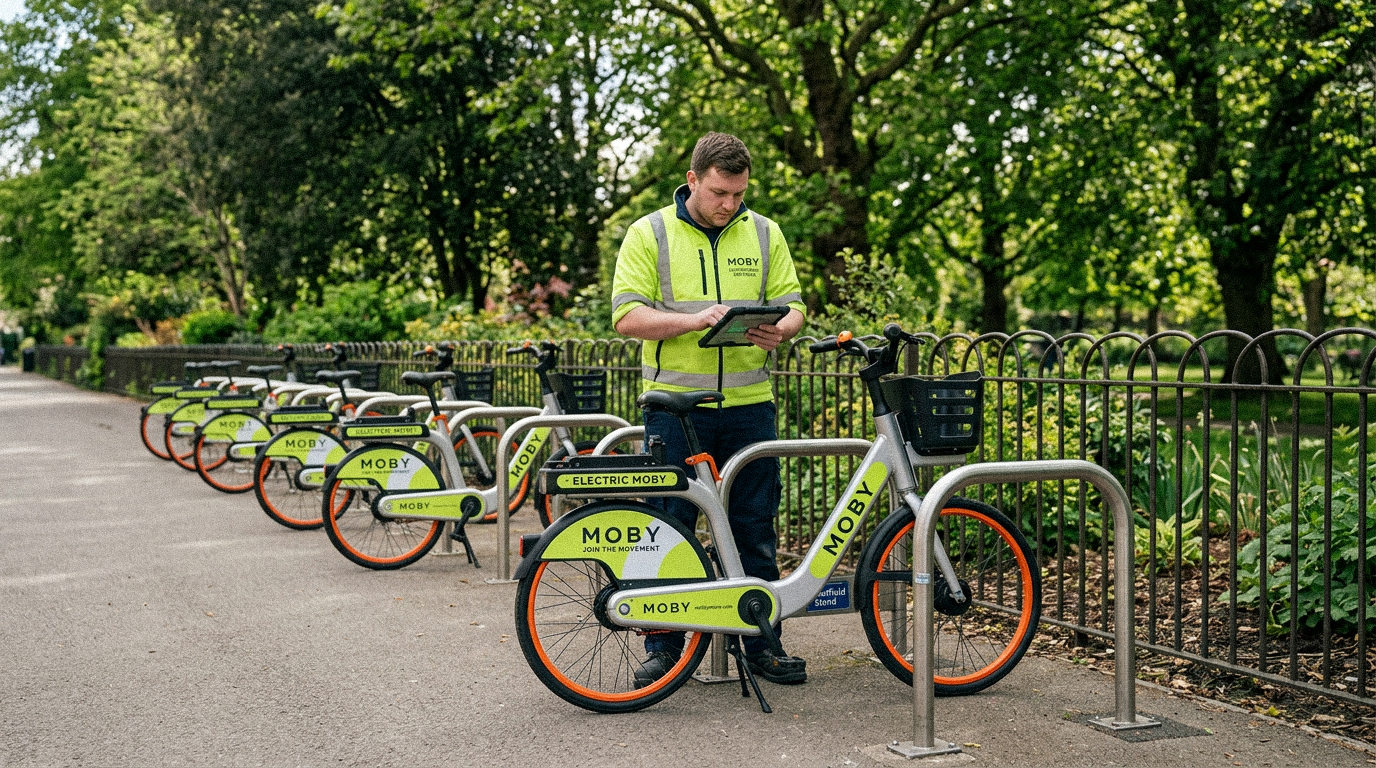
Finish your ride at a real Sheffield stand.
See how to finish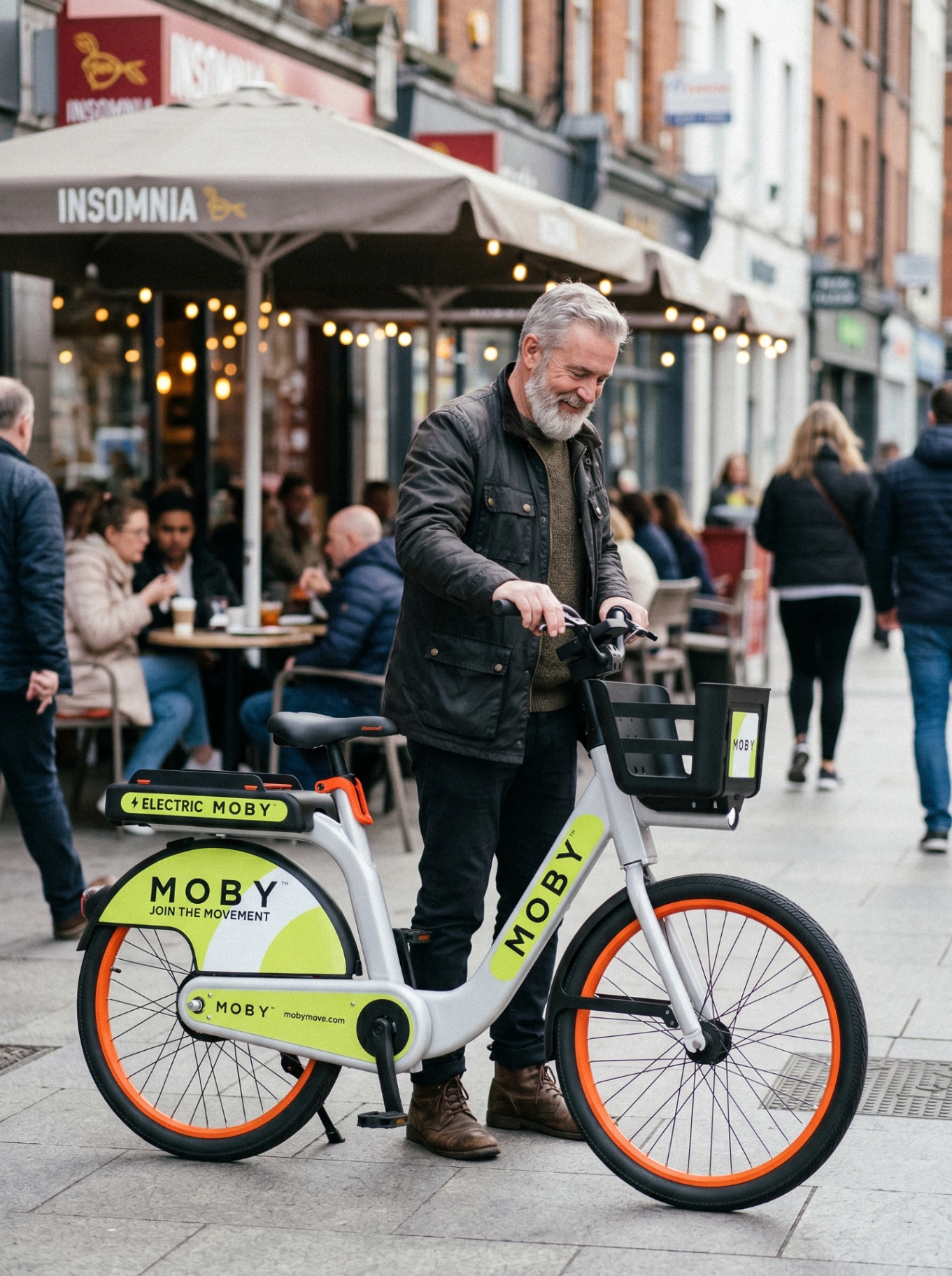
Coffee runs, meetings, errands and last-mile journeys.
See business featuresMOBY bikes are built for shared city use: visible, sturdy, comfortable and easy to ride. Before every trip, check the brakes, tyres and saddle. If something does not feel right, end the ride safely and report it in the app.
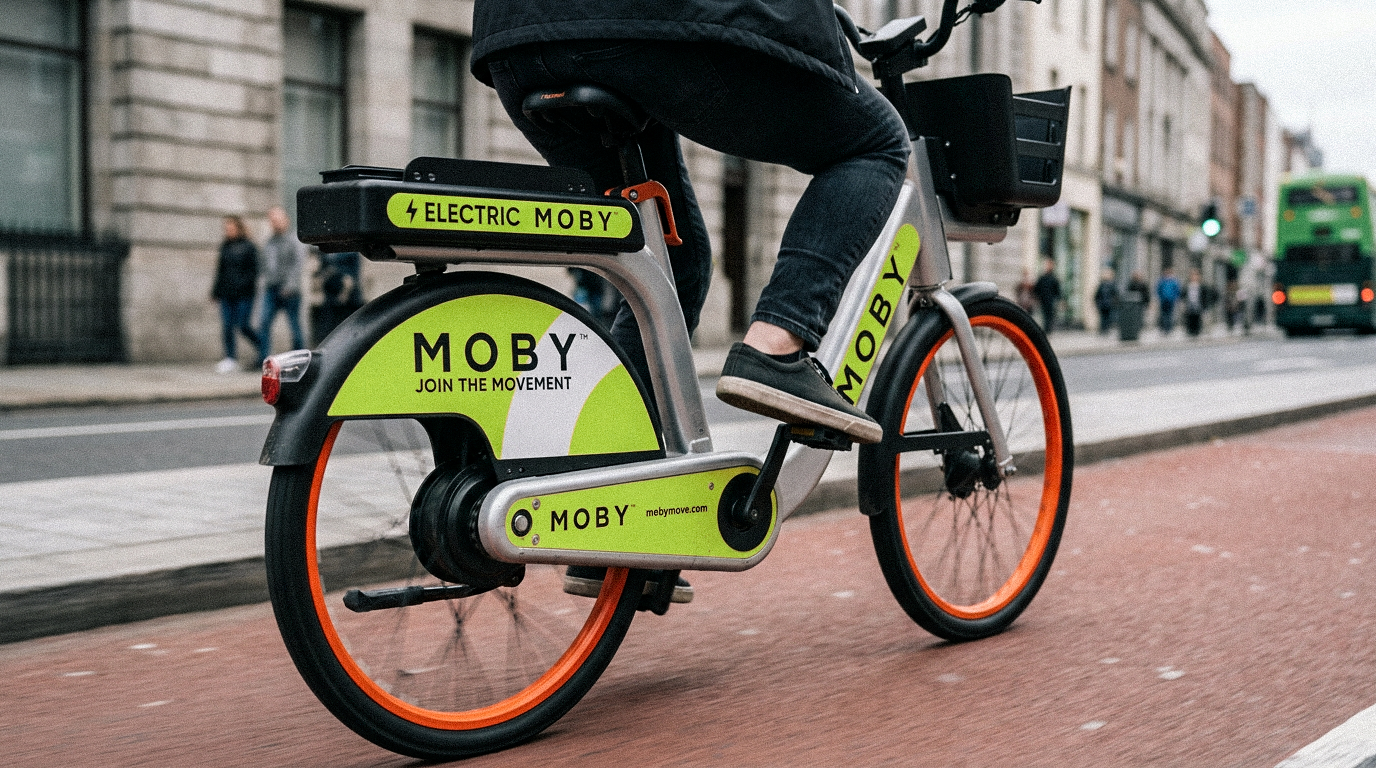
Live service maps for our Irish deployments. Zoom, pan and see the roads you can ride — the MOBY Move app has the definitive real-time service area, bike locations and parking stands.
LIVE  LIVE
LIVE LIVE
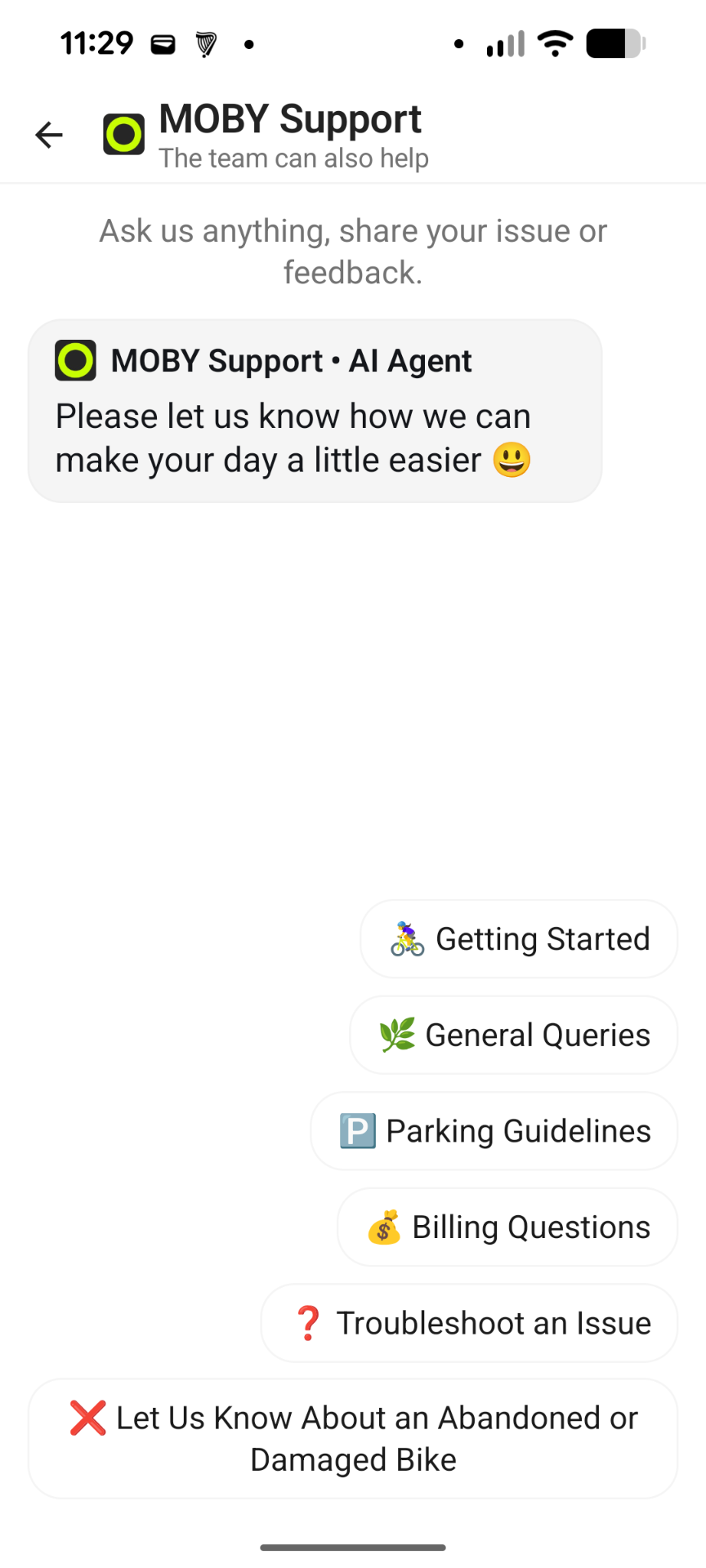
LIVE Most ride issues can be solved in the app. If a bike does not unlock, feels unsafe, will not end correctly, or you are unsure where to park, contact support through MOBY Move.
Open help centreDownload the MOBY Move app, add promo code MOBYW2A, and get €5 wallet credit towards your first rides.
Valid until 31/12/2026


Download the app, add the code, and ride today.